
Magic Blocks can be included and fully personalized in any WordPress post or page without coding. Here is how to.
- Create or open for editing your target page or post in the Gutenberg editor. It’s the same for posts and pages.
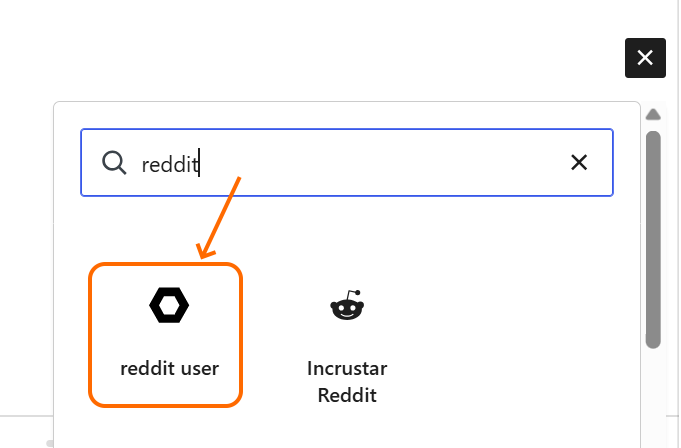
- Click the + sign to add a block. You will find your block in the list, as any other standard block. Select it.
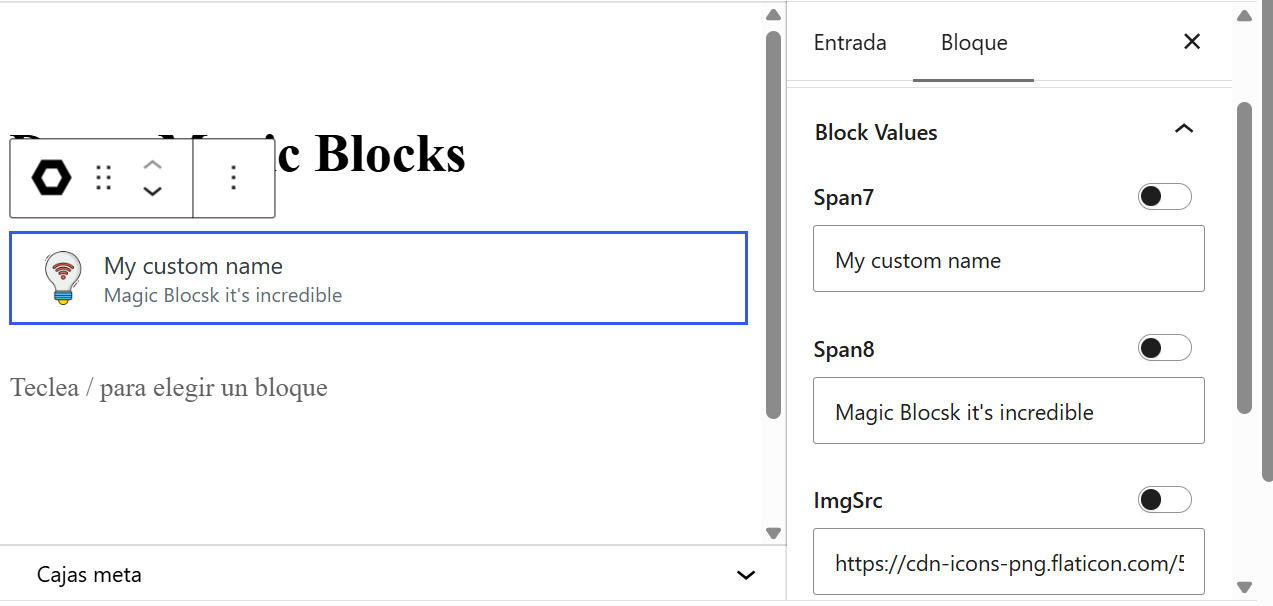
- In the settings sidebar you will find fields for customizing text, images and links of the block, including background images.
Post values and the Query Loop block
Blocks can take values directly from the post. It can also get the value from a custom function that you can add to the theme or any plugin.
We will show this feature using the Query Loop block, that enables you to include in a page a list of posts selected from a filter.
- Insert a Query Loop block, click Choose and find the reddit user block we created
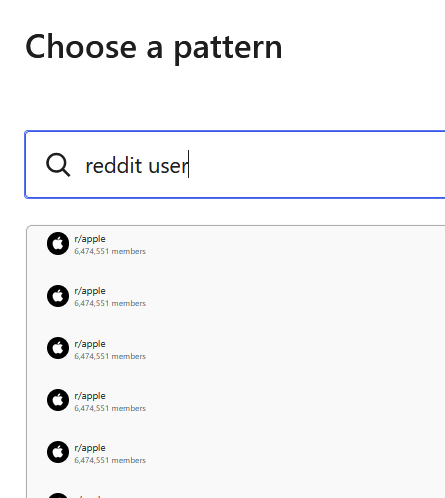
- You will get a list of blocks, all identical. Click on Edit Pattern, at the Settings Sidebar.
- First you will get the Query Block parameters, where you can customize the filters and other parameters, as in any Query Block. Click on the first block of the list.
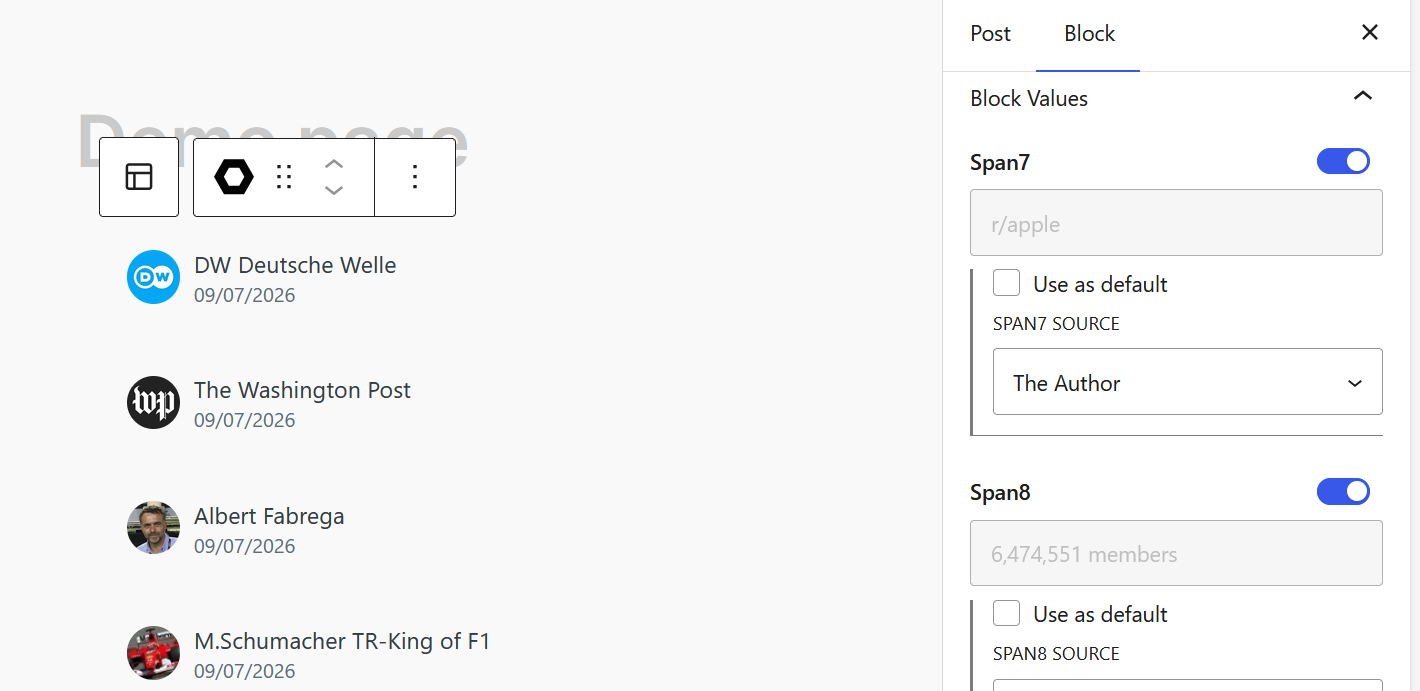
Sometimes the browser follows the block link. Click the back button to continue the editing - At the first field, click on the “Feed from the loop” toggle to enable it. You will get a combo with options.
- Do the same with the other options. In this example we selected The Author, The Date, Author Profile Image and Author Profile Archive.
- You are ready to publish. Just do it as with any other post.
The Custom Function option
For each customizable text, image or link, if you select feed from the loop, in the combo there is an option called “Custom Function”.
This option will make the block look for a custom function and if it exists, it will fulfill the field with the returning value of the function.
The function name has this stricutre
mbfCamelCaseBlockNameCustomFunctionSo, for the “reddit user” block, the function name will be mbfRedditUserCustomFunction
The function receives 3 parameters
- attribute name: since the same function is called for all the attributes of the block, you need the attribute name to know how to compute the value.
- manual text: the text in the field for this attribute. It doesn’t matter if the “use as default” checkbox is marked, you always get the manual text value.
- target post ID: the ID of the target post, so you can use all WordPress built in function to get whatever value you need.
The code that calls the Custom Function has this structure
$customFunctionName = "mbfRedditUserCustomFunction";
if (function_exists($customFunctionName)) {
	return $customFunctionName($attributeName, $manualText, $targetPostId);
}
You can place the custom function in the theme, in a plugin or in any WordPress file.
Leave a Reply